

A shopping list with photos of the exact product
“The usual coffee” means nothing in the aisle. Attach a photo of the pack, or a PDF such as a recipe, to the item itself.
Free: 10 request credits a month + 40 welcome credits · Typing always free · Two languages, more coming soon · No credit card
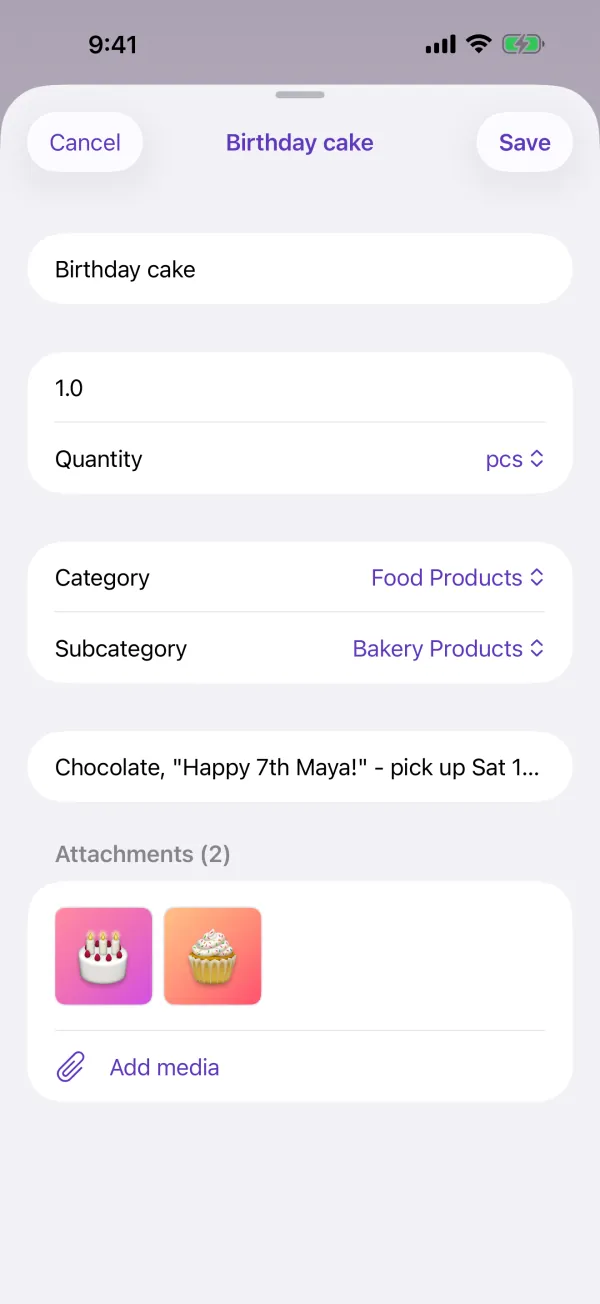
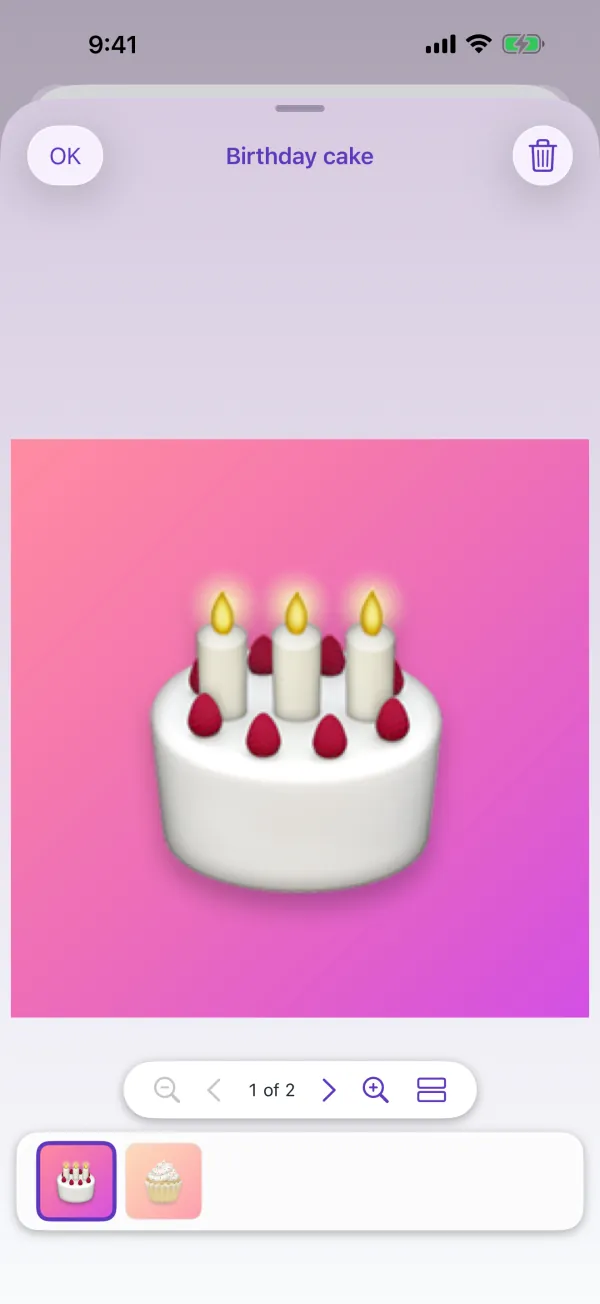
How it works
-
1
Add the item
Say it or type it, as with any other item.
-
2
Attach a photo or PDF
Add a photo or a PDF file to the item. Photos are resized to fit when you attach them.
-
3
Match it on the shelf
Open the item in the aisle and compare the photo with what is on the shelf.
Why a photo beats a description
Shared lists show them too
People you share a list with see its photos, so the right product comes home whoever shops.
Synced with your lists
Signed in, attachments sync with your lists across your phones.
Room for what matters
5 attachments on the free plan, 30 on Shopping Plus.
Questions, answered
How many attachments can I add?
5 on the free plan and 30 on Shopping Plus, which launches in January 2027. A photo and a PDF count the same.
What can I attach?
Photos and PDF files.
Do attachments sync to my other phones?
Yes. When you are signed in, attachments sync with your lists, and people you share a list with see its photos.
More ways Dirifari Shopping List helps
Voice shopping list
Say your whole shop in one sentence and get a written, sorted list.
Grocery list by aisle
Every item filed into its aisle, so you walk the store once.
Shared shopping list
One list for the household: everyone adds and ticks off.
Dirifari Shopping List home
Say your whole shop in one sentence. Dirifari Shopping List turns it into a grocery list sorted by aisle, with amounts filled in. Free to start.
Your next shop, already sorted.
Install Dirifari Shopping List and say your first list. It takes about as long as reading this sentence.